Published-release documentation · release compatibility
Mark Style
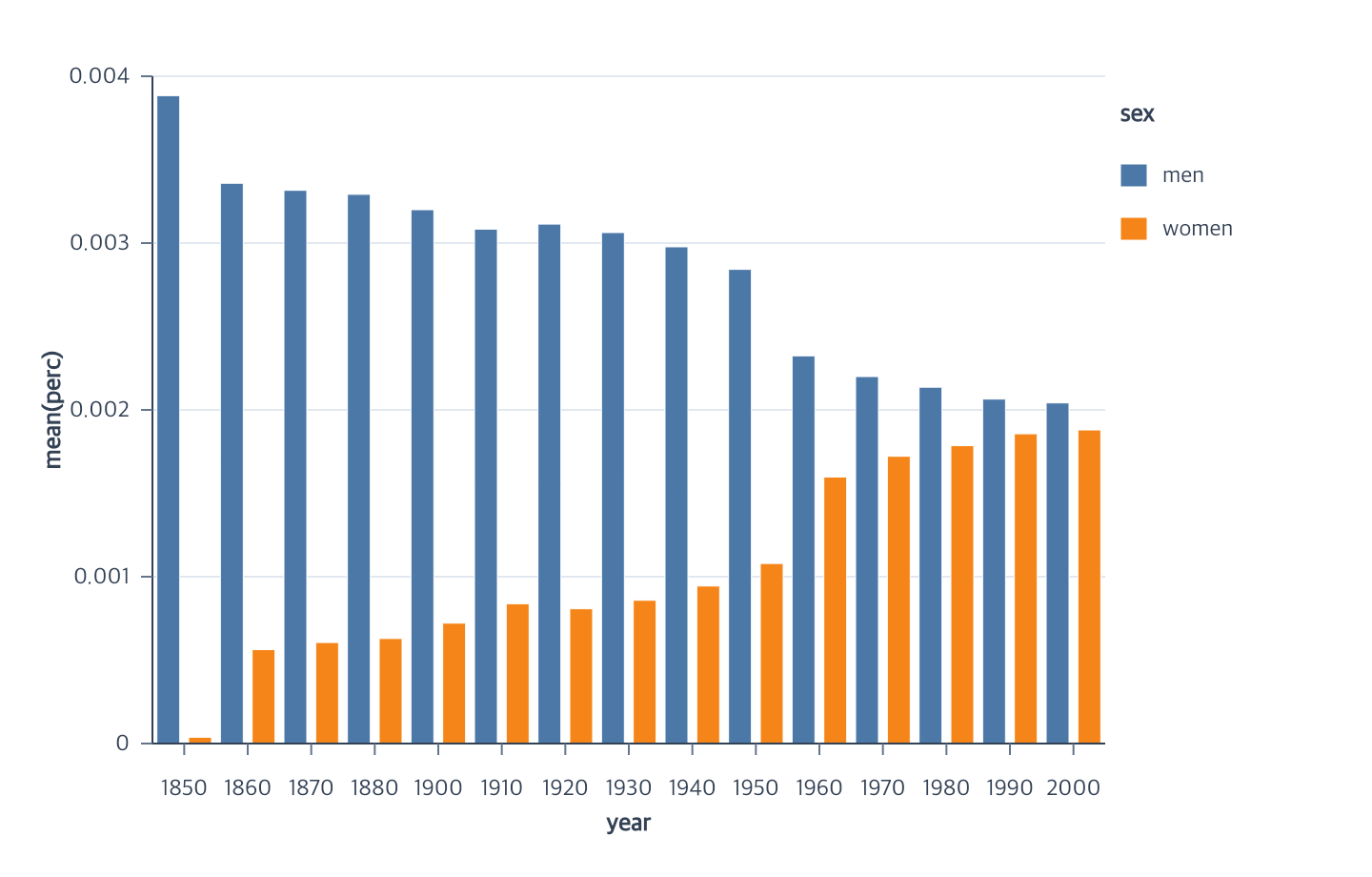
Canonical stroke compatibility
| Mode | Supported marks | Field types | Scale and grain constraints |
|---|---|---|---|
| Constant | point, line, area, bar, rect, arc, rule, tick | point/line/area/bar/rect/arc/rule/tick: constant color or supported reset | Independent from fill/color; no scale; field-to-constant removes the stroke legend |
| Categorical | point, line, area, bar, rect, arc, rule, tick | point/line/area/bar/rect/arc/rule/tick: nominal, ordinal | ordinal scale; one unambiguous value per final item; Line/Area values must be constant within each series |
| Continuous | point, line, area, bar, rect, arc, rule, tick | point/line/area/bar/rect/arc/rule/tick: quantitative, temporal | sequential scale; no aggregate option; unknown fallback is row-owned Point only; series and final-item uniqueness still apply |
| Discretized continuous | point, line, area, bar, rect, arc, rule, tick | point/line/area/bar/rect/arc/rule/tick: quantitative | quantize, quantile, threshold; same final-item and series constraints |
Stroke caps, joins, and rounded rectangles
Every strokable mark style accepts lineCap, lineJoin, and miterLimit:
| Option | Accepted values | Effective default |
|---|---|---|
lineCap |
"butt", "round", or "square" |
"butt" |
lineJoin |
"miter", "round", or "bevel" |
"miter" |
miterLimit |
finite number greater than 0 |
10 |
Bar and Rect styles also accept a non-negative finite cornerRadius, which
defaults to 0. The requested radius is measured in logical Canvas pixels and
is clamped separately for each item to half its smaller side:
Contextual fragment. Use an ES module with the imports, data, and prepared resource state described in this section. Resolve these names from setup in this fragment or section; alternatives branch from the same base.
const rounded = chart()
  .createCanvas({ width: 640, height: 360, margin: 50 })
  .createData({ values: rows })
  .createBarMark({
    cornerRadius: 8,
    stroke: "#0f172a",
    strokeWidth: 1.5,
    lineCap: "round",
    lineJoin: "round",
    miterLimit: 4
  })
  .encodeX({ field: "category", fieldType: "nominal" })
  .encodeY({ field: "value", aggregate: "sum" });
A positive global radius rounds all four corners. Override individual corners with
cornerRadiusTopLeft, cornerRadiusTopRight, cornerRadiusBottomRight, or
cornerRadiusBottomLeft. Each accepts a finite non-negative value and clamps to
half the smaller item side. Explicit zero keeps that corner square. For example,
{ cornerRadius: 16, cornerRadiusTopRight: 0, cornerRadiusBottomLeft: 0 }
rounds only the top-left and bottom-right corners. Unspecified corners use the
global radius or zero. Edits retain unspecified overrides; all effective radii
must be zero to restore square rectangles. Resizing, re-encoding, data and scale edits, selection highlights,
automatic legends, themes, and facet source replay preserve the requested
style and recalculate geometry. An explicit legend-block symbol color still
wins over the inherited source color.
Point, Line, Area, Arc, Rule, and Tick accept the three stroke-detail options.
Bar and Rect also accept the global and per-corner radius options. Text does not accept them, and cornerRadius is
rejected by every non-rectangular family. The same options pass through existing
high-level nested styles such as point, line, area, arc, tick, bar,
rect, box, stem, errorBar, boundaries, and reference styles.
Defaults are applied without adding omitted properties to serialized graphics. Explicit values remain stored even while a stroke is disabled, so restoring the stroke restores the authored cap, join, and miter limit.
Stroke color and Line/Rule appearance
encodeStroke({ value, target? }) assigns a required non-empty constant outline
color to a Point, Line, Area, Bar, Rect, Arc, Rule, or Tick. The field form maps
categorical, quantitative, or temporal data through an independent stroke scale:
Contextual fragment. Use an ES module with the imports, data, and prepared resource state described in this section. Resolve these names from setup in this fragment or section; alternatives branch from the same base.
program
  .encodeColor({ field: "group" })
  .encodeStroke({ field: "status" })
  .createLegend({ channels: ["color"] })
  .createLegend({ channels: ["stroke"] });
Line and Area strokes are resolved once per final series, so every contributing
row must have the same raw field value. Aggregate/histogram bars and Arc sectors
apply the same rule within each final cell or sector. Point, ranged Bar, Rect,
Rule, and Tick map final items directly. Text is not supported. Categorical,
sequential, quantize, quantile, and threshold stroke scales use the same color
mapping rules as fill while keeping a separate stroke scale by default.
editStrokeScale({ target, ...patch }) requires the mark target and refreshes
its stroke legend and every compatible shared color/stroke consumer.
Calling encodeStroke({ value }) removes the field binding and its stroke
legend; calling the field form removes the constant override. Neither mode
changes fill. Existing selections bound to stroke must be removed before this
replacement. Legend samples preserve the actual fill, stroke, and stroke width,
including an explicit width of 0.
encodeStrokeWidth({ value, target? }) assigns a
non-negative finite logical Canvas width to every child of the current Line or Rule.
Constant stroke and width modes create no scale or legend.
encodeStrokeWidth({ field, target?, fieldType?, scale? }) instead creates an
independent quantitative width scale for a line or rule. Rules receive one
width per source row. Lines receive one width per complete series, so all rows
in one series must contain the same field value. No implicit mean, sum, or
representative row is selected. The default concrete width range is [1, 8].
Contextual fragment. Use an ES module with the imports, data, and prepared resource state described in this section. Resolve these names from setup in this fragment or section; alternatives branch from the same base.
program
  .encodeStrokeWidth({
    field: "weight",
    scale: { domain: [0, 100], range: [1, 8] }
  })
  .createLegend({ channels: ["strokeWidth"] });
Field values, domains, and ranges must be finite and non-negative. value and
field are mutually exclusive. editScale rematerializes both marks and an
active sampled stroke-width legend. Calling { value } removes the field binding
and only its own width legend; calling { field } clears the constant override.
Selections referring to the replaced channel must be removed first.
Lines also support encodeOpacity({ field: "quality" }) with one value per series,
a default linear range of [0.2, 1], and createLegend({ channels: ["opacity"] }).
Use { value: 0.5 } to return to constant opacity. Constant mode rejects
fieldType and scale. Line field opacity has no missing-value fallback.
editLineMark rejects scalar width/opacity while the same field encoding is
active; use the corresponding encoder’s explicit value assignment to replace it.
Rules also reuse encodeStrokeDash in constant or nominal/ordinal-field mode and
encodeOpacity in constant or quantitative-field mode. Field modes produce
one concrete value per rule line; constant modes remain scale-free. Recalling
an owning action replaces that appearance assignment immutably.
createRuleMark and editRuleMark accept scalar stroke, strokeWidth, strokeDash
and opacity. Both delegate requested styles to these four encoding owners after
full validation. Editing requires at least one style and rejects active field
appearance. Endpoints and statistical component ownership remain separate.
encodeBarWidth({ band?, pixels?, target? })
This heading shows common options. For the full callable contract and all branches, see encodeBarWidth and the exact declarations.
Override the fraction of each resolved category band—or directional offset slot for group layout—used by an aggregate or ranged bar and rematerialize its rectangles.
Contextual fragment. Use an ES module with the imports, data, and prepared resource state described in this section. Caller-provided receivers:
program. Resolve these names from setup in this fragment or section; alternatives branch from the same base.
program.encodeBarWidth({ band: 0.72 });
| Option | Type | Default |
|---|---|---|
band |
finite number greater than 0 and at most 1 |
first assignment: 0.72 |
pixels |
positive finite logical Canvas pixels | none |
target |
bar mark ID, including an incomplete bar | current mark |
band and pixels are mutually exclusive. Before this action is called,
complete aggregate and ranged bars already use the same implicit 0.72 band
default. A first empty call stores that default; a later empty call retains the
current mode and value. Band widths respond to Canvas resizing; pixel widths
remain fixed in logical coordinates and do not change with PNG pixelRatio.
An explicit pixel width may be wider than its slot, allowing intentional overlap.
Before positions are complete, the action saves the width without creating items.
A later position assignment applies it to the completed aggregate or ranged bar.
Removing a required position clears items and retains the width for reauthoring.
Histogram bins do not accept category-slot width; completing a histogram with a
saved width fails. Group layout requires matching color and directional
offset semantics. Thickness is the category bandwidth times band for stack, fill,
overlay, diverging, and ranged bars, or offset bandwidth times band for
group. Each bar is centered in its slot; missing cells are omitted.
A deferred Box plot keeps its dedicated createBoxPlot({ width }) option.
Its lower encodeBarWidth override requires the Box’s range to be complete.
band is graphical layout rather than chart meaning, so it is not added to
semanticSpec. The action stores immutable materialization config and writes
fully concrete x, y, width, height, and fill values to graphicSpec.
Canvas geometry changes explicitly rematerialize the scales and rectangles.
Related
Appearance overview · Rule marks · Bar marks
Documentation provenance
293 actions · sha256:e755591a2e5f5e2b494867583876e28020a478c5220b77bdc6ad469a6224891d