Published-release documentation · 281 actions; release compatibility · contract 5520b0fa9525
Dot, Lollipop, and Dumbbell Plots
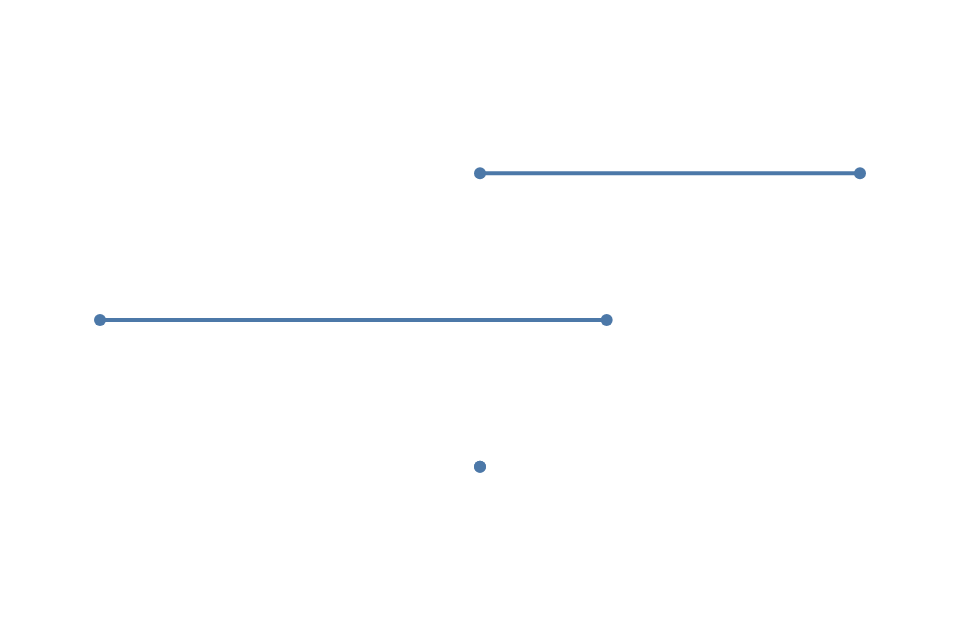
These three Full entry actions share one categorical endpoint model. Each starts from immutable rows and produces ordinary point and rule children, so existing mark, scale, label, guide, and renderer actions continue to work.
import { chart, render } from "ggaction";

const values = [
  { category: "A", value: 4, before: 2, after: 5 },
  { category: "B", value: -1, before: 3, after: -1 },
  { category: "C", value: 2, before: 2, after: 2 }
];
const base = chart()
  .createCanvas({ width: 480, height: 320, margin: 50 })
  .createData({ id: "data", values });

const dots = base.createDotPlot({
  category: "category",
  value: "value"
});
const lollipops = base.createLollipopPlot({
  category: "category",
  value: "value",
  baseline: 0
});
const changes = base.createDumbbellPlot({
  id: "dumbbell",
  category: "category",
  start: "before",
  end: "after",
  guides: false
});

render(changes, document.querySelector("#chart").getContext("2d"));
The rendered panel is the canonical guide-free dumbbell example. Use the browser
module setup with <canvas id="chart"></canvas>. Add labels: { endpoint: "both" }
and reserve guide space when those components are desired.
Raw rows remain raw. When categories repeat, set summary to mean, median,
sum, min, or max to request one derived row per category. Ggaction never
chooses an aggregate from the data shape.
Lollipop stems use the same quantitative scale as their value points. The baseline defaults to zero and may be any finite number. For a log scale, provide a positive baseline and positive values.
Dumbbell start and end name semantic roles rather than the lower and higher
number. A reversed or equal pair keeps the same endpoint appearance and label.
Both endpoint fields share one quantitative scale; conflicting scale definitions
are rejected before the caller program changes.
Use editEndpointPlot when a source or semantic role changes:
const withReplacement = changes.createData({
  id: "replacement",
  values: values.map(row => ({ ...row, after: row.after + 1 }))
});
const revised = withReplacement.editEndpointPlot({
  data: "replacement",
  start: "after",
  end: "before",
  orientation: "vertical",
  summary: false
});
The editor replaces every owned point, rule, label, and summary dataset in one immutable action while retaining the original appearance and guide policy. Individual point, rule, label, scale, and guide actions remain the lower-level style editing path.